Security
Location data is sensitive. We treat it that way.
You are asking staff to carry a tracker. That only works if the data is tightly scoped, access is controlled, and every sensitive action leaves a trail. Here is how that is enforced.
- Organisation-scoped isolation
- Role-based access
- Audit logging on sensitive actions
Access & audit
Role-based access and audit-ready logs.
Different roles see different data, and every sensitive action is written down.
Who can see what
Roles inside a customer organisation.
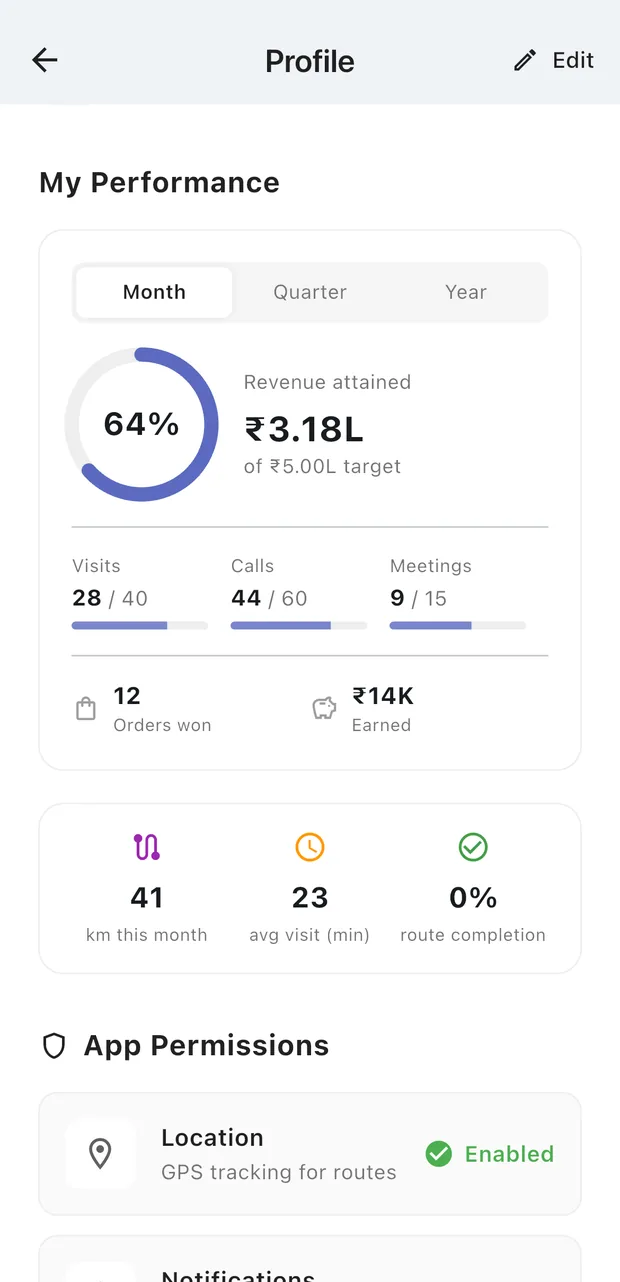
- AgentTheir own work only
Own routes, the customers assigned to them, their own orders and visit history. Cannot reassign work to anyone else.
- ManagerTheir team
Everything an agent sees, across the team they manage, plus assignment of leads and customers, and reporting on team performance.
- Company adminThe whole organisation
All team routes, detailed GPS tracks, customer approvals and full visit history, for their own organisation and no other.
Audit log
An example of what an admin sees.
- 2 min agoAdmin loginadmin@gupta-dist.com · IP 103.x.x.x · Mumbai, India
- 2 hours agoCustomer approvedadmin@sharma-fmcg.com approved "New Store Mumbai"
- 1 day agoGeofence radius changedadmin@gupta-dist.com changed 50m to 100m
- 2 days agoLead reassignedmanager@gupta-dist.com moved 4 customers to a new agent
Organisation-scoped isolation
Data is partitioned by organisation at the database rules layer, not filtered in the client.
Role-based access control
Agent, manager and company admin roles, enforced by signed custom claims rather than UI state.
Audit trail on sensitive actions
Logins, approvals, geofence changes and reassignments are written to an append-only log.
Encrypted in transit and at rest
Served over TLS and stored on Google Cloud infrastructure, which encrypts data at rest by default.
See it on your own routes.
A 30-minute demo, then a pilot with a few of your agents, so you can judge FieldFlowSales on your own data.
Get the agent app
- Built on Google Cloud
- Role-based access and audit logs
- Direct founder support